
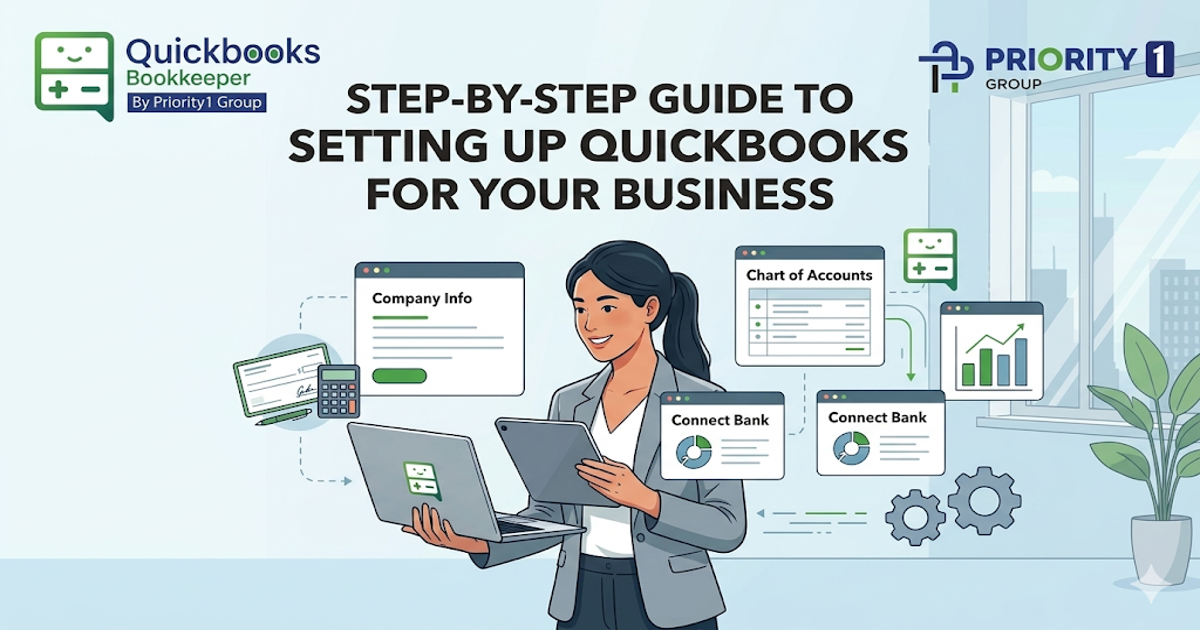
Let’s be honest: most business owners do not set up their bookkeeping because they love numbers. They do it because they are tired of guessing.
You start the business to sell, serve, build, and grow. Then one day, you open your bank account, look at your invoices, scroll through a pile of receipts, and realise you are no longer “just keeping an eye on things.” You are running a real business, and your books need to catch up.
That is where a clean setup matters.
The good news is this: getting started does not need to feel heavy or technical. Think of it like setting up a kitchen before you cook. If everything has a place, the weekly work becomes faster, cleaner, and far less stressful.
Before clicking through settings, get clear on what you actually need your bookkeeping system to do.
For most small businesses, that means being able to:
That is what people mean by clean books. Not perfect books. Not fancy reports you never open. Just clean, usable records that tell you what is happening in the business without drama.
In plain English, clean books mean:
When setting up your file, slow down here. A rushed setup creates messy habits that take longer to undo later.
Start with these essentials:
Link the accounts you use for business only. That usually includes:
This gives you a live bank feed, which saves time, but only if you review it properly. Automation helps, but it does not replace attention.
Keep it practical. Do not overcomplicate it with dozens of categories you will never use.
You want clear buckets for things like:
If you are unsure how detailed to go, start simpler than you think. You can always refine later.
This step gets skipped a lot, but it matters. Clean customer and supplier records make invoicing, billing, and follow-up easier.
Set clear payment terms from the start. That helps with receivables and payables, and it gives your business better rhythm.
Use the tools you will actually stick with.
A practical setup usually includes:
This is where consistency starts. A good system should reduce mental load, not add to it.
Monthly bookkeeping sounds efficient until it turns into a four-hour cleanup session fuelled by coffee and regret.
Weekly bookkeeping is like brushing your teeth. Small effort, done regularly, stops bigger problems from building quietly in the background.
When you leave it too long:
When you work weekly, errors stay small. You spot duplicate charges, missed invoices, coding mistakes, and payroll issues while they are still easy to fix.
That is why many business owners eventually move toward a steady routine or get support from a QuickBooks Bookkeeper who can keep the system moving without the month-end chaos.
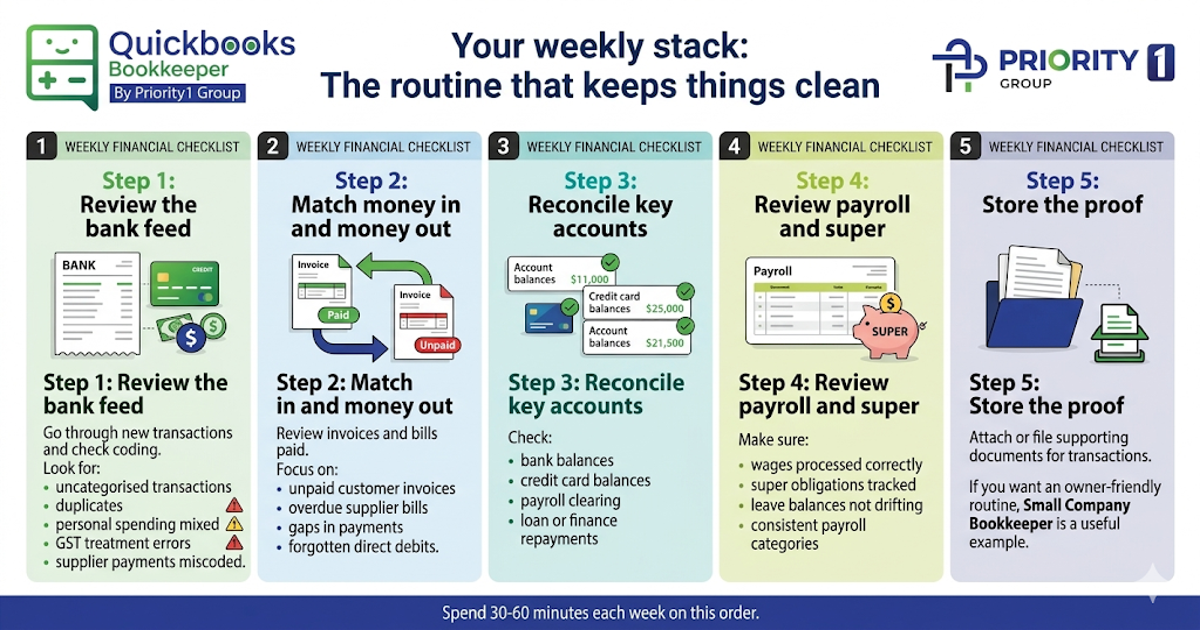
You do not need a huge finance day. You need a repeatable weekly stack.
Set aside 30 to 60 minutes each week and work through this order:
Go through new transactions and check that the coding makes sense.
Look for:
Review invoices paid, bills paid, and anything still outstanding.
Focus on:
Do not wait until month-end if something looks off.
Check:
Even if payroll runs through software, check it.
Make sure:
Every transaction that needs support should have it attached or filed properly. This matters more than people realise.
If you want an owner-friendly routine that is easy to maintain, Small Company Bookkeeper is a useful example of the kind of practical support many founders look for once the business starts growing.
A lot of bookkeeping problems are not dramatic. They are just repeated little shortcuts.
Watch out for these:
The software is only the tool. The habit is what keeps the books clean.
You do not need a deep report pack every week. You just need a few signals.
Check these regularly:
These small warnings help protect cash flow before stress turns into a real problem.
You do not need to prepare BAS weekly. You do need habits that make BAS easier.
That means:
This is where QuickBooks bookkeeping becomes genuinely useful. It gives you visibility during the quarter, not just at the end of it.
Some businesses also benefit from Myob Bookkeepers when the weekly admin starts stealing time from sales, service, or delivery.
Receipts should not live in gloveboxes, inboxes, and random screenshots.
Build one simple rule: every document goes into the system the same week it happens.
Keep it practical:
If you run a more regulated or high-compliance business, such as disability services, NDIS Bookkeeper is the kind of specialised support worth exploring because the documentation standard usually needs to be tighter.
A good test is this: if your weekly bookkeeping keeps getting delayed, avoided, or done badly, it is probably time.
You likely need help if:
What good help looks like:
At that stage, working with a QuickBooks certified bookkeeper can save far more than it costs, simply by reducing mistakes, delays, and decision fatigue.
For businesses wanting broader systems, support, and consistency behind the scenes, Quickbooks Bookkeepers and the wider support model behind Priority1 Group are the kind of resources that make the weekly rhythm sustainable, not just possible.
A solid setup is not about becoming a finance expert. It is about making your business easier to run, one clean week at a time. If you want support building better systems, cleaner routines, and more confidence in your numbers, visit Priority1 Group.